How to Translate YouTube Subtitles into Any Language
Found a great tutorial in a language you don't speak? Or want to read a foreign interview as text? YouTube's caption system can translate subtitles for a large share of videos — and you can extract those translations as clean text or subtitle files. Here's how.
Option 1: Translated captions in the YouTube player
- On the video, click the Settings gear → Subtitles/CC.
- Choose Auto-translate and pick a language (YouTube's caption settings help page covers the details).
Good for watching — but the translation only exists on screen, one line at a time. You can't read it as a document, search it, or save it.
Option 2: Translate the full transcript online (and keep it)
- Copy the video URL.
- Paste it into the YouTube transcript translator and click Get & Translate Transcript.
- Open the Translate to… menu — it lists exactly which languages YouTube offers for that video — and pick one.
- Read the fully translated, timestamped transcript, copy it, or download it as TXT, SRT, VTT, PDF, or Word.
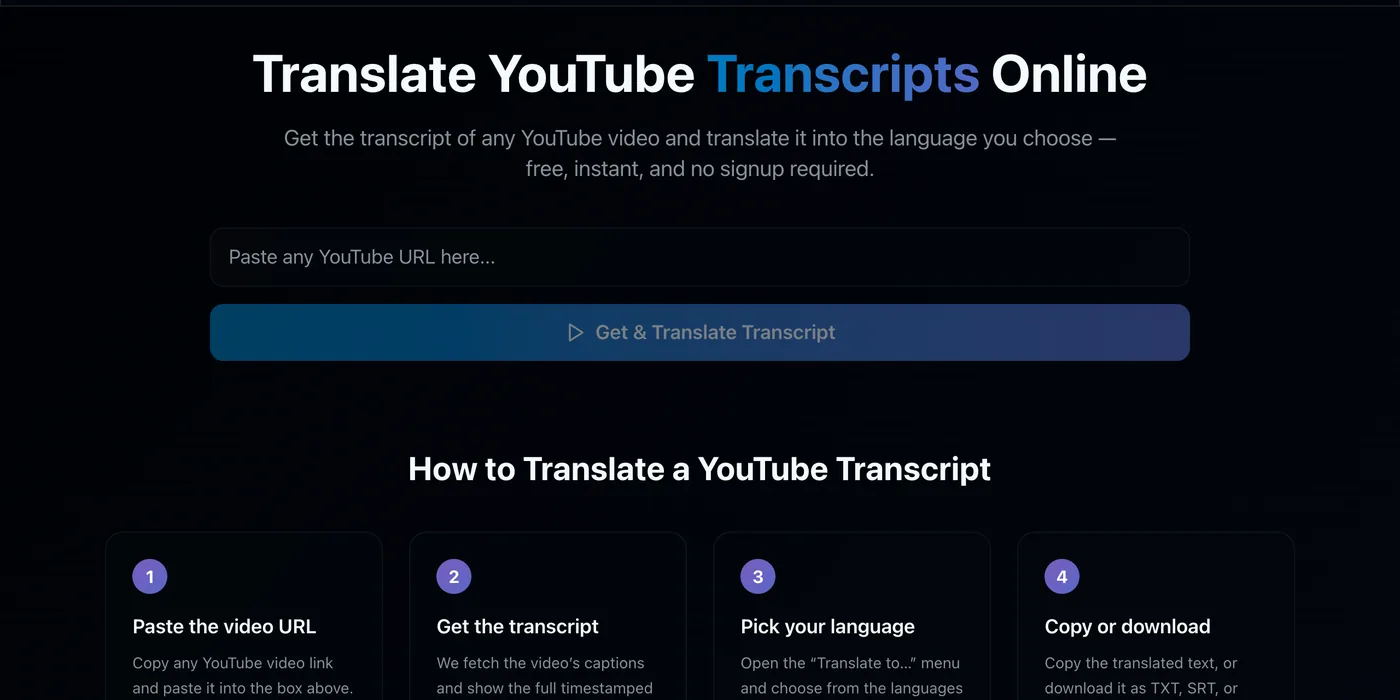
Why this is better than auto-translate in the player: you get the entire translation at once as searchable text, downloads keep the original timing (so translated SRT files work as real subtitles), and you can flip back to the original language instantly.
Translate a transcript now →What languages are available?
It varies per video. Translation targets are offered by YouTube for videos with a translatable caption track — the list commonly includes Spanish, French, German, Portuguese, Hindi, Arabic, Indonesian, Japanese, Korean, Chinese, Russian, Turkish, Vietnamese, and more. Some videos (especially ones without any captions, or with translation disabled) offer none; the tool tells you when that's the case.
How good are the translations?
They come from YouTube's own machine translation of the captions — the same text you'd see with auto-translate in the player. Quality is solid for clear, standard speech and weaker for slang, jargon, or noisy audio (where even the source captions may contain errors). For publishing, treat a machine translation as a first draft to review.
Turning translations into localized subtitle files
A practical localization workflow used by creators:
- Translate the transcript to the target language with the tool above.
- Download it as SRT (timing is preserved automatically — see SRT vs VTT).
- Review and polish the wording.
- Upload the corrected SRT to your own video as a proper subtitle track.